Case study: TaskFlow landing page built with the Landing Page Kit
This is the first entry in our "Built with CheapStack" series: a real landing page for a plausible SaaS product, built with the Landing Page Kit ($19).
What we built
TaskFlow is a (fictional) project management SaaS. The landing page needed: hero, feature grid, pricing table, testimonials, FAQ, and a CTA. That's exactly what the Landing Page Kit's SaaS Classic template ships with.
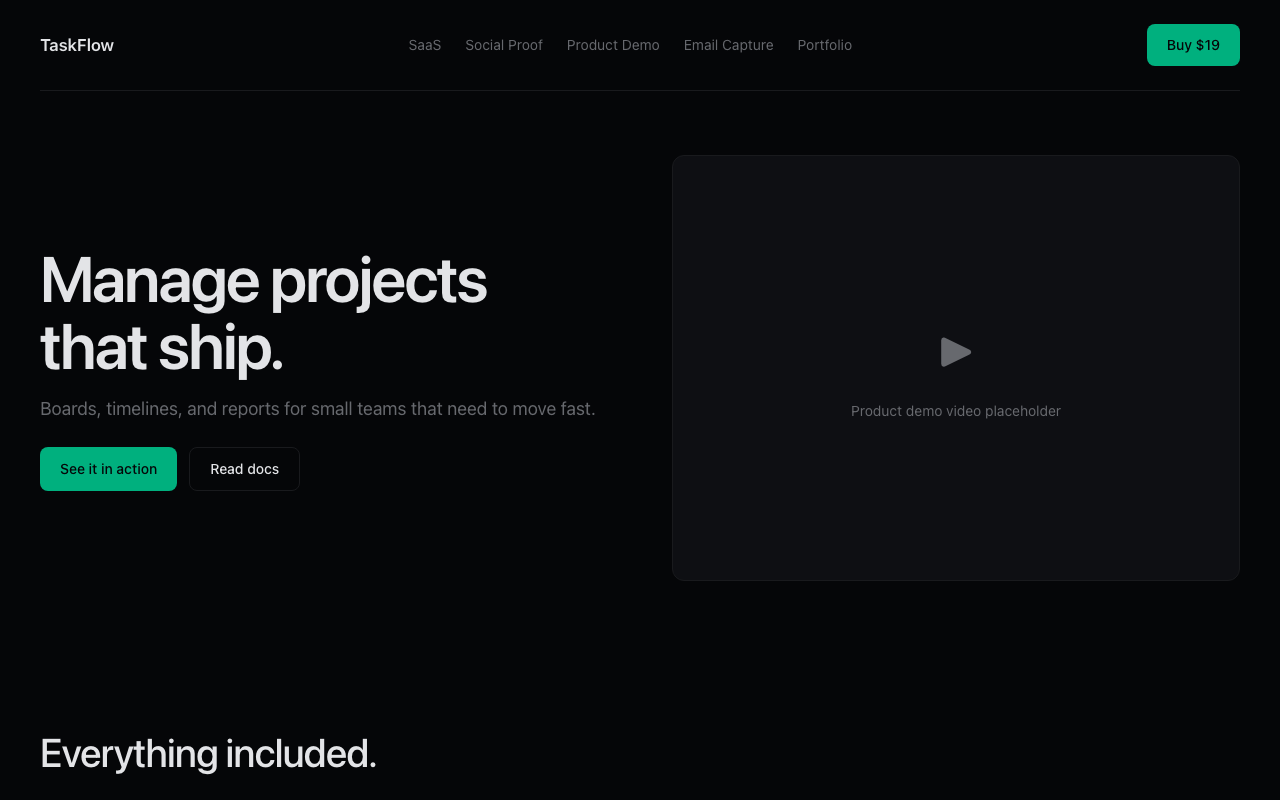
What the kit provided
- SaaS Classic template with hero, features, pricing, testimonials, FAQ sections
- Dark and light mode variants
- Next.js 16 + Tailwind CSS v4 styling
- SEO metadata and OG image generation
- Responsive layout down to 360px
What we changed
- Replaced placeholder content with TaskFlow copy (about 30 minutes)
- Swapped the accent color from teal to blue (5 minutes, one CSS variable)
- Changed the logo text (2 minutes)
- Deployed to Vercel (3 minutes)
Total time from ZIP to live URL: about one afternoon, mostly on copywriting.
What we learned
The kit's value is the structure. The SaaS Classic template has the sections in the right order with sensible defaults — the time sink for most landing pages is deciding section order and layout, not writing CSS. That decision was already made.
Cost comparison
Building this landing page from scratch: 15-20 hours including responsive fixes and cross-browser testing.
Building it with the Landing Page Kit: ~3 hours, mostly copy.
At $50/hour that's roughly $750-$1,000 saved for a $19 kit.
About the author: Muhammad Akbar builds affordable developer tools at CheapStack and writes about bootstrapping products on realistic budgets.